Risk disclosure: Independent research finds 70–84% of Polymarket traders lose money (Sergeenkov, April 2026; Akey et al., SSRN, March 2026). Forex CFDs: 70–85% retail loss rate. Binary options: 80%+ in most jurisdictions. AI agents don't change these baselines. Full disclaimer. Security context: Three critical CVEs disclosed in OpenClaw in Q1 2026 (CVE-2026-25253, CVE-2026-32922) plus the ClawHavoc supply-chain attack (1,184 malicious skills). Always run v2026.4.12 or later. Full security assessment.
You can build a genuinely serious trading stack for $0/month. The paid tools have their place, but for traders starting out — or running lean — the free and freemium ecosystem covers charting, data, backtesting, alerts, and more. This guide rounds up the best free trading tools for OpenClaw users, organized by what they do.
Every tool here is either fully free or has a free tier sufficient for real use. We note where you'd eventually want to upgrade, but you can run a complete workflow without spending anything.
TL;DR — The 30-second answer
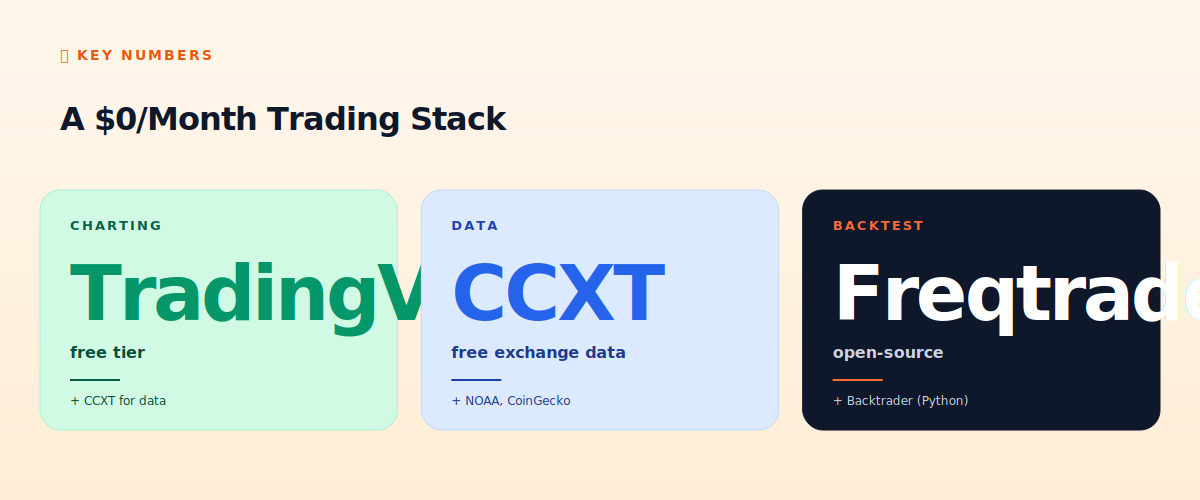
- Charting: TradingView free tier (analysis, learning Pine Script).
- Data: CCXT (exchange data), CoinGecko API, NOAA (weather), free RPC tiers.
- Backtesting: Freqtrade, Backtrader — both open-source.
- Alerts: Telegram (free), OpenClaw heartbeat.
- Tax tracking: free tiers of Koinly/CoinTracker for small volumes.
- The whole stack can run at $0 (plus VPS + LLM costs for OpenClaw itself).
A $0/month stack
Charting and analysis
TradingView free tier is the best free charting available. You get professional charts, standard indicators, Pine Script for custom indicators, and one alert. The limitation (1 alert, no webhooks) means you can't automate signals on the free tier — but for analysis, learning, and manual chart review, it's excellent. See our TradingView setup guide.
Market data
- CCXT (open-source): free access to price, order book, and trade data across 120+ exchanges. The backbone of most OpenClaw crypto bots. See our CCXT deep dive.
- CoinGecko API: free tier for crypto prices, market caps, historical data. Generous rate limits for personal use.
- NOAA / National Weather Service API: free, real-time weather data — the foundation of Polymarket weather bot strategies (guide).
- Free RPC tiers: Alchemy and Infura both offer free tiers generous enough for personal Polygon/Ethereum bots.
- Exchange APIs: Binance, Bybit, OKX all provide free market data via their APIs.
Backtesting
Freqtrade (open-source) is the most capable free backtesting framework for crypto — detailed metrics, hyperparameter optimization, walk-forward analysis. Backtrader (open-source Python) is more general-purpose, good for stocks and forex too. Both are free and powerful. We cover the realistic limits in our backtesting guide — remember that OpenClaw's LLM strategies themselves are hard to backtest, so these tools work best for the systematic core of your approach.
Alerts and monitoring
Telegram is free and the standard for bot alerting (integration guide). Combined with OpenClaw's heartbeat, you get complete monitoring at zero cost. For uptime monitoring of your VPS itself, UptimeRobot has a free tier that pings your endpoints and alerts you if they go down.
Tax tracking
Koinly and CoinTracker both have free tiers that handle small transaction volumes — enough if you're trading lightly. Once your bot generates thousands of transactions, you'll need a paid tier (see our tax software comparison), but you can start free and upgrade when volume demands it.
Development and infrastructure
- VS Code (free): the standard editor for writing SKILL.md files, Pine Script, and Python.
- GitHub (free tier): version control for your strategies and skills. Private repos are free.
- Ollama (free): run LLMs locally if you have the hardware — eliminates per-token API costs (at the cost of latency and quality).
- Python + libraries (free): pandas, numpy, ta-lib for analysis. The entire data-science stack is free.
What you can't avoid paying for
Honesty: OpenClaw itself needs a VPS ($4-6/month) and LLM API calls ($30-150/month depending on usage — though Ollama can zero this out if you self-host). And to automate TradingView signals you need the Essential plan ($15/month). But the analysis, data, backtesting, and monitoring tools above are genuinely free. The unavoidable costs are infrastructure (VPS) and intelligence (LLM), not tools.
The recommended free starter stack
- TradingView free for charting and learning.
- CCXT + CoinGecko for data.
- Freqtrade for backtesting your systematic strategies.
- Telegram + UptimeRobot for alerts and monitoring.
- Koinly free tier for early tax tracking.
- VS Code + GitHub for development.
This stack costs $0 and covers everything except OpenClaw's own VPS and LLM costs. Upgrade individual tools only when you hit their free-tier limits — not before.
📧 Get every new tutorial in your inbox
One email per week. Tutorials, CVE disclosures, broker updates. Unsubscribe in one click.
(Connect FluentCRM / ConvertKit / Beehiiv form here)
Frequently asked questions
Can I really run a serious stack for free?
The tools, yes — charting, data, backtesting, monitoring. OpenClaw itself needs a VPS ($4-6/mo) and LLM API ($30-150/mo, or free with self-hosted Ollama).
Is TradingView free good enough?
For analysis and learning, yes. For automating signals (webhooks), you need the Essential plan ($15/mo).
What's the best free backtesting tool?
Freqtrade for crypto, Backtrader for general use. Both open-source and powerful.
Do I need to pay for market data?
No. CCXT, CoinGecko, NOAA, and exchange APIs all offer free data sufficient for personal bots.
When should I upgrade from free tools?
Only when you hit a free tier's limit — e.g., TradingView's 1-alert limit when you need webhooks, or tax software when bot volume exceeds the free tier.
What to read next
- TradingView Setup for OpenClaw Traders
- Backtesting with OpenClaw: Tools & Limits
- CCXT Skill Deep Dive
- OpenClaw Cost Calculator
Sources cited: The Hacker News (CVE-2026-25253 disclosure, Feb 2026); Conscia 2026 OpenClaw Security Crisis advisory; Snyk ToxicSkills study; Cyber Press ClawHavoc reporting; Wall Street Journal Polymarket profitability analysis (May 2026); Andrey Sergeenkov via The Defiant (April 2026); Akey, Grégoire, Harvie & Martineau, SSRN paper (March 2026); openclaw.ai official advisories; Peter Steinberger public statements on X. documentation and pricing pages of TradingView, CCXT, Freqtrade, Koinly, and listed tools.